
Guide
Word Cloud Generator for Teachers and Students
A quick, free way to turn a reading assignment, a class discussion or a vocabulary list into a visual the whole class can look at together — no account, nothing to install, nothing to buy.
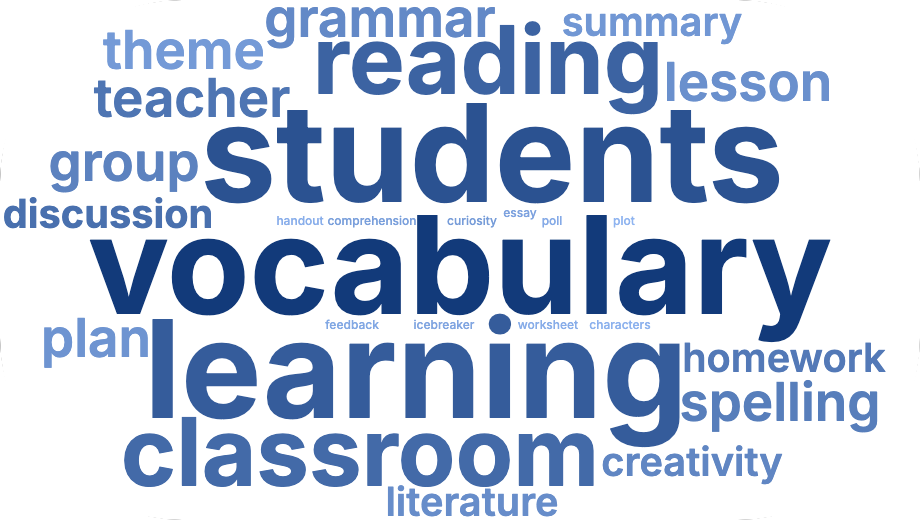
Classroom ideas
Vocabulary and spelling word walls
Paste this week's spelling or vocabulary list and generate a cloud where every word is roughly the same size (set "Weight scale" to a gentle option, or leave the list as plain repeated text). Print it or display it on a screen as a word wall.
Summarizing a reading assignment
Paste a chapter, an article or a set of notes and let the class see which words and themes come up most — a fast way to kick off a discussion about what a text is really about, before digging into the details.
Icebreakers and get-to-know-you activities
Collect one-word answers from students (favorite subject, a word to describe themselves, a goal for the year) and paste the whole list in. Words that multiple students picked will appear bigger automatically — an instant, visual way to see what the group has in common.
Class polls and open-ended feedback
Have a poll or survey with number scores rather than repeated words? Upload it as a CSV or Excel file instead, and set the score or vote count as the weight column — so the results are sized by how the class actually voted, not just by repetition.
End-of-year or end-of-unit reflections
Ask students for one word describing what they learned, or their favorite memory from the year, and combine the answers into a single cloud — a nice addition to a yearbook page, a class newsletter or a last-day-of-term slide.
Book club and literature circle discussion starters
Paste a chapter or a character's dialogue before a discussion group meets, and use the resulting cloud as a prompt: "why do you think this word stands out?" works well as an opening question for a literature circle or book club.
Why it works well for a classroom
- No account for you or your students — nothing to sign up for, nothing to install on school computers.
- Nothing is uploaded anywhere — student answers and class data are processed locally in the browser, never sent to a server.
- Print-ready output — download the cloud as a transparent PNG to drop into a worksheet, a slide or a printed handout.
- Simple to adjust — pick a color palette and font that fits your subject or theme, and remove any word that doesn't belong with one click.
Collecting answers from a whole class
The generator itself takes one block of text or one file at a time, so for a class-wide activity the simplest approach is to collect answers first — a shared document, a show of hands you type up, or a quick paper slip per student — then paste the combined list in yourself. There's no built-in way for students to submit directly into the same cloud from separate devices.
Frequently asked questions
Is this appropriate for young students?
The tool itself has no age restriction or account requirement, so a teacher can use it with any age group. Since nothing is uploaded anywhere, it also avoids the data-collection concerns that come with tools requiring student sign-ups or accounts.
Can multiple students add to the same word cloud at once?
Not directly — it works from a single block of text or file at a time, so a teacher typically collects answers first (on paper, in a shared document, or called out loud) and pastes the combined list in.
Does it work on school Chromebooks and iPads?
Yes — it runs in any modern web browser, including Chrome OS and iPadOS, with nothing to install.
Can I save my settings to reuse next time?
Not currently — there's no account or saved-project system, so style choices reset when you start a new session. Keeping a note of the palette and font you liked is the easiest workaround for now.
Related guides
- How to make a word cloud — the full walkthrough.
- Add a word cloud to PowerPoint or Google Slides — for classroom presentations.
Ready to try it with your class?
Make your word cloud — it's free