
Guide
A Free Canva Word Cloud Alternative
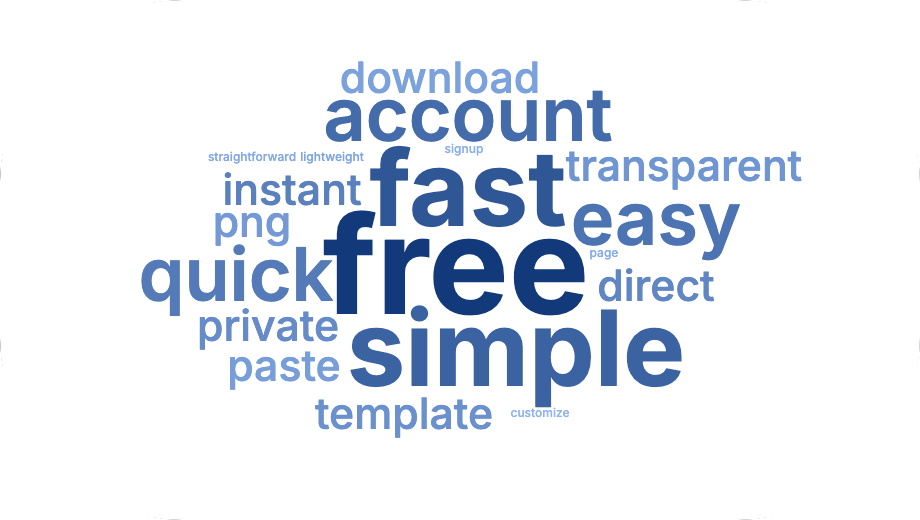
If you just need one word cloud and don't already have Canva open, CloudMyWords gets you there faster: no account, no template to search for, no design tool to learn.
When a dedicated generator is the faster option
Canva is a full design tool, which is exactly the point of it — it's built for creating and editing all kinds of graphics, with a word cloud as one feature among many. If a word cloud is the only thing you need right now, opening a full design tool, finding the right template and learning its editor is a lot of steps for one image.
CloudMyWords does one thing: you land on the page, paste your text or upload a file, and get a word cloud. There's no account to create and no template to pick — it's already the entire tool.
Sizing words by real data, not just by hand
One difference worth knowing about: CloudMyWords can size each word using a number from a spreadsheet — search volume, votes, a rating, any numeric column — by uploading a CSV, XLS or XLSX file. If your words come from keyword research, a survey or a poll, this means the cloud reflects your actual data directly, rather than needing you to retype or repeat words by hand to make them stand out.
How it works
- Paste your text, or upload a CSV/XLS/XLSX/TXT/MD/DOCX file.
- If it's a spreadsheet, pick which column is the word and which one is the weight.
- Click "Generate word cloud".
- Adjust the color palette, font, orientation and shape.
- Download it as a transparent PNG — ready to use anywhere, including inside Canva itself if you want to combine it with other design elements later.
No account, nothing saved
Everything runs locally in your browser. There's nothing to sign up for, nothing uploaded to a server, and nothing kept once you close the tab.
At a glance
| CloudMyWords | A design tool like Canva | |
|---|---|---|
| Account required | No | Yes, to save or export without a watermark |
| Template to pick first | No — it's a single-purpose tool | Yes — search or browse a template |
| Weight words by a CSV/Excel column | Yes | Not a standard built-in option |
| Cost | Free | Free tier, with paid plans for more features |
This isn't a knock on Canva — it's a genuinely capable design tool for the broader job of building graphics. It's just a lot of tool for a single word cloud, which is the specific gap CloudMyWords fills.
Frequently asked questions
Do I still need an internet connection?
Yes — the page needs to load its fonts and processing libraries first. Once it's loaded, the actual word cloud generation happens locally, without sending your text or file anywhere.
Can I use CloudMyWords and Canva together?
Yes. A common approach is to generate the word cloud here, download it as a transparent PNG, and then import that image into a Canva design alongside other elements.
Is it really free, with no hidden paywall?
Yes — there's no premium tier, no watermark and no limit on how many word clouds you generate.
Related guides
- How to make a word cloud — the full walkthrough.
- Make a word cloud from a CSV or Excel keyword list.
Skip the template search.
Make your word cloud — it's free